Category: Automation

  • What Is Jev? The New AI Model Quietly Powering Faster, Cheaper Website Decisions

    What Is Jev? The New AI Model Quietly Powering Faster, Cheaper Website Decisions

    Introduction

    If you’ve never heard of Jev, you’re not behind — it’s brand new. TypeSafe AI released it on 15 September 2026, and it’s already turning up in SEO tools, chatbots and website automations because of what it does differently: instead of writing an answer like ChatGPT would, it just makes a fast decision and hands back a clean result. For small business owners, the tool itself isn’t something you’ll ever open directly — but it’s worth understanding, because it’s quietly showing up inside the software you already use.

    Key Takeaway: Jev is a new type of AI model — a “System One model” — built to make fast, cheap, structured decisions (yes/no, pick-one, score) rather than write text. It’s not a chatbot replacement; it’s the thing working behind the scenes in tools that need to make thousands of small calls quickly, like sorting website issues by priority or deciding which page should link to which.

    In this article, you’ll learn:

    • What Jev actually is, in plain English
    • How it’s different from ChatGPT-style AI
    • Why it matters for SEO and website tools specifically
    • What it can’t do
    • Whether this is something you need to think about at all

    1. What Jev Actually Is

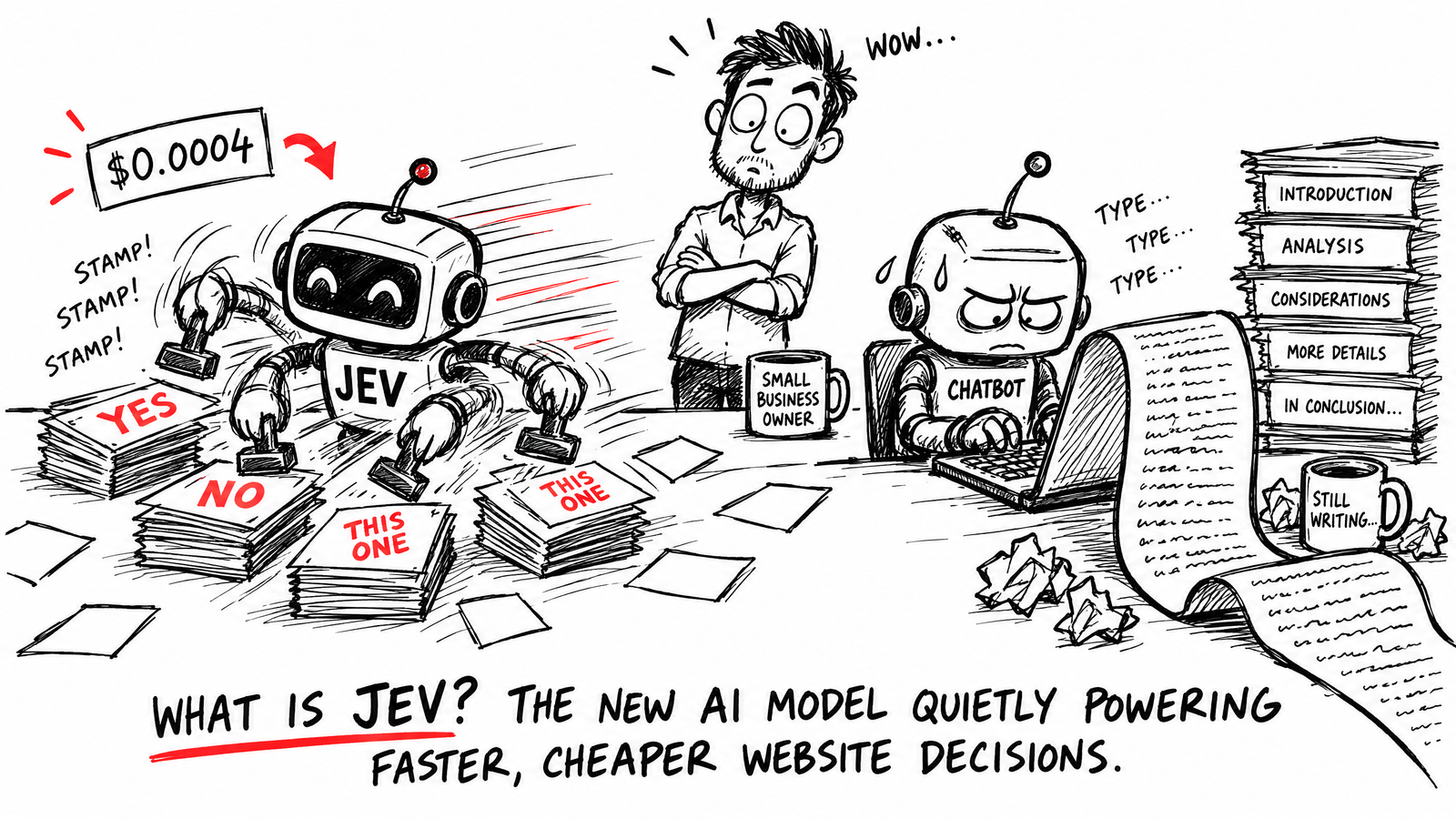
    Most AI tools people have used — ChatGPT, Claude, Gemini — are what’s called “System Two” models: they think through an answer and write it out in full sentences. Jev is different. TypeSafe AI calls it a “System One model,” and it doesn’t write anything at all. You give it some information and a fixed set of possible answers, and it picks one — a yes/no, a category from a list, or a score — instantly.

    Think of the difference like this: a System Two model is the person you ask to explain something in detail. A System One model is the person who just glances at something and says “yes,” “no,” or “that one” — no explanation, just a fast, confident call.

    2. How It’s Different From ChatGPT-Style AI

    The practical differences that matter:

    Jev (System One) ChatGPT-style AI (System Two)
    Output A typed answer: yes/no, one option, or a score Written text
    Speed Reported up to ~200x faster for this kind of task Slower — it’s composing a response
    Cost A fraction of a penny per decision Much higher per response
    Best at Sorting, flagging, matching, routing Writing, explaining, reasoning through something new

    Neither replaces the other. The pattern emerging is using both together: a System Two model like ChatGPT for anything that needs explaining or writing, and Jev for the repetitive judgement calls happening underneath — hundreds or thousands of times a day — that don’t need a paragraph of reasoning, just a decision.

    3. Why It Matters for SEO and Website Tools Specifically

    This is the part actually relevant to a small business website. Early use cases for Jev are clustering heavily around SEO and website management, because so much of that work is genuinely small yes/no or pick-one decisions:

    • Sorting which pages compete with each other for the same search terms (cannibalisation)
    • Deciding which pages should link to which across a site (internal linking)
    • Flagging thin or low-value pages that need attention
    • Matching a landing page to the right search intent
    • Prioritising which SEO issues to fix first

    None of this is new work — SEO tools have always tried to do it. What’s new is doing it this cheaply and quickly at scale, which means tools built on Jev can check every page on a site constantly, rather than running an expensive audit once a quarter.

    Pro Tip: If an SEO or website tool you use starts advertising “instant” issue prioritisation or “real-time” internal link suggestions later this year, there’s a decent chance Jev (or something like it) is doing that sorting behind the scenes.

    4. What Jev Can’t Do

    Worth knowing so the hype stays in proportion:

    • It can’t write anything. No replies, no explanations, no content — that’s still a job for tools like ChatGPT.
    • It can’t explain its own decision. You get the answer, not the reasoning behind it.
    • It’s not reliable at maths or dates. It’s built for classification and judgement calls, not calculation.
    • It can still get things wrong confidently. A wrong answer from Jev looks exactly as certain as a right one.
    • It has real limits on how much information it can consider at once, so it’s built for narrow, well-defined decisions, not open-ended thinking.

    5. Does This Actually Matter for Your Small Business?

    Directly? Not much — you’re never going to log into Jev yourself. Indirectly, it’s worth knowing about for one reason: it’s a sign that AI-powered SEO and website tools are about to get noticeably faster and cheaper to run, because a huge chunk of what they do is exactly the kind of small decision Jev is built for.

    If you’re already paying for an SEO tool, a website audit service, or an AI automation, this is the kind of shift that tends to show up as new features (constant monitoring instead of quarterly checks) rather than as something you need to act on yourself.

    Frequently Asked Questions

    Do I need to use Jev myself?

    No. It’s a backend tool for developers building SEO, marketing and automation software — not something a business owner interacts with directly.

    Is Jev a ChatGPT competitor?

    No, they do different jobs. Jev makes fast structured decisions; ChatGPT-style models write and reason through open-ended text. Most systems will likely use both together.

    Will my SEO tools suddenly use Jev?

    Some already are — several SEO and website tools have published guides on using Jev for tasks like internal linking and issue prioritisation within days of its release, so it’s moving fast.

    Is Jev accurate?

    It’s designed to be fast and cheap for narrow, well-defined decisions, but like any AI model it can still misclassify — and unlike a chatbot, it won’t explain why it made a particular call.

    Should this change how I think about AI automation for my business?

    Not directly, but it’s a useful sign of where the cost of “AI checking things constantly” is heading — down. That generally means AI-powered monitoring and automation become more affordable over time, not less.

    Conclusion

    Jev isn’t something you’ll ever use directly, but it’s a good example of how AI is quietly splitting into two jobs: one type of model to write and explain, another to make fast, cheap decisions underneath everything else. For a small business, the practical effect is that the SEO and automation tools you already rely on are likely to get faster and more constantly “on watch” over the coming months — worth knowing about, even if there’s nothing to act on yet.

    If you want to know whether your website’s SEO tooling or automations are keeping pace with changes like this, get in touch — we keep on top of this so you don’t have to.


    Written by MTU Projects.

  • A Third of UK SMEs Are Now Using AI — Is Your Small Business Falling Behind?

    A Third of UK SMEs Are Now Using AI — Is Your Small Business Falling Behind?

    Introduction

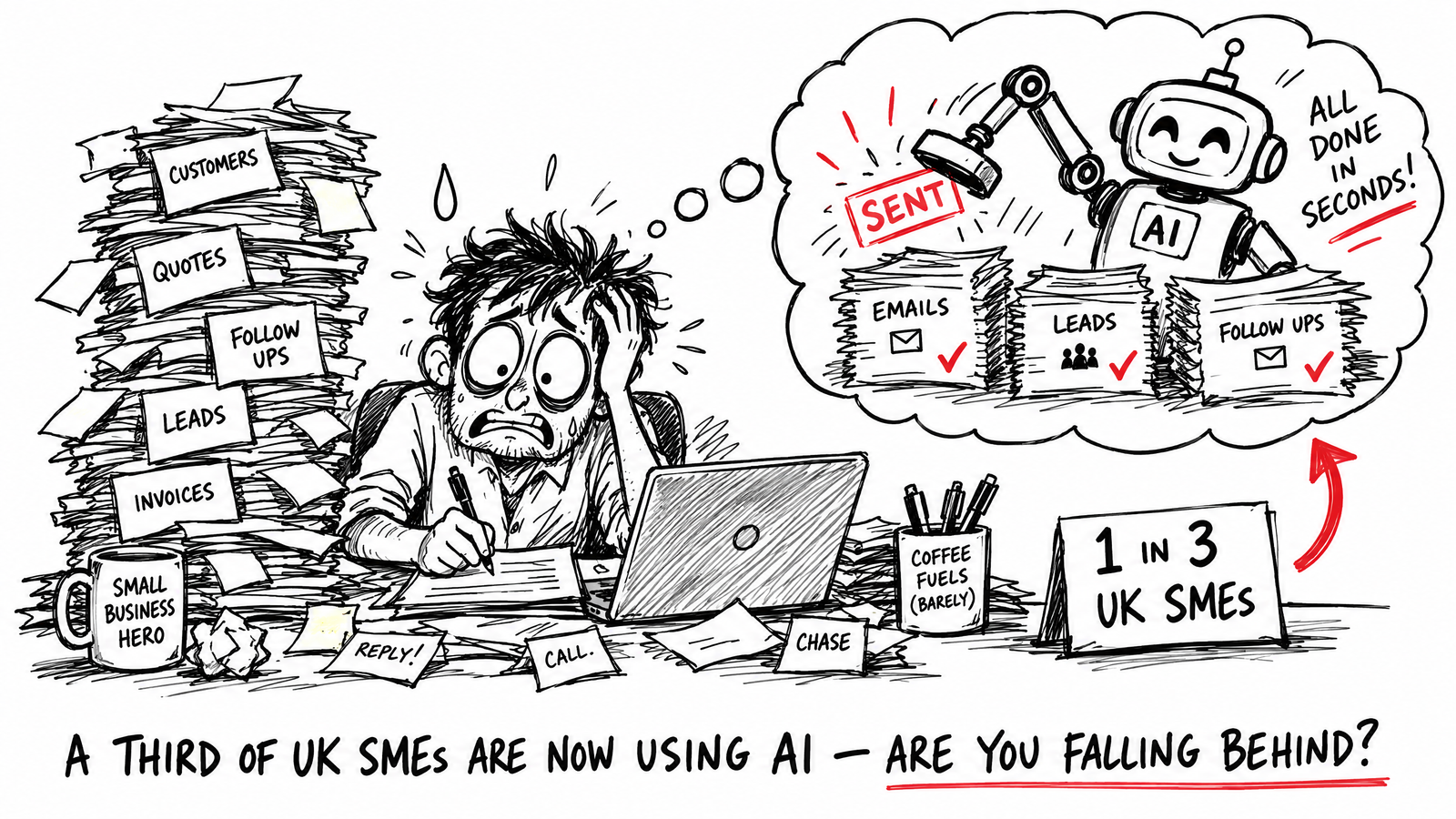
    If it feels like every other business owner is suddenly talking about AI, that’s not just noise — the numbers have moved. Just over a third of UK small and medium-sized businesses were actively using AI in 2025, up from a quarter the year before. For a lot of business owners, the question isn’t “should I look into this” any more. It’s “what’s everyone else actually doing with it, and am I already behind.”

    Key Takeaway: AI adoption among UK SMEs has grown from 23% in 2023 to over a third in 2025, and the businesses seeing real payback are focusing on a handful of specific, repetitive tasks — not trying to “do AI” everywhere at once.

    In this article, you’ll learn:

    • What’s driven the jump in AI adoption among UK small businesses
    • The four areas where AI automation is actually delivering a return
    • Why smaller businesses are still lagging behind larger ones
    • What day-to-day AI use looks like for a small business, in practice
    • A realistic way to start without a big, risky overhaul

    1. What’s Actually Changed in 2026

    AI adoption among UK businesses has moved fast. Roughly a quarter of all UK businesses were using some form of AI by late 2025, up from under 10% two years earlier. Among SMEs specifically, uptake has climbed from 23% in 2023, to 25% in 2024, to just over a third in 2025 — and 2026 is shaping up to be the year it stops being optional for businesses that want to stay competitive.

    That doesn’t mean every business has rolled out some sweeping AI strategy. For most, it’s smaller and more practical than that: a tool that drafts a first reply to a customer enquiry, a system that flags which leads need following up today, a bot that answers the same internal question so staff don’t have to.

    2. The Four Places AI Is Actually Paying Off

    Industry data points to four specific areas where UK SMEs are seeing the clearest return on AI automation:

    Use case What it does
    Lead response automation Replies to new enquiries within minutes instead of hours, so fewer leads go cold
    Customer support triage Sorts and routes incoming queries so the right person sees the right message first
    Content drafting Produces a first draft of routine writing — emails, posts, descriptions — for a human to check and send
    Internal knowledge bots Answers repeated internal questions (policies, pricing, processes) without pulling a person away from their work

    These four typically pay for themselves within 6–12 months, and businesses using them report saving somewhere between 20% and 50% of the time previously spent on that repetitive admin.

    Pro Tip: Start with whichever of these four is costing you the most time right now, not whichever sounds the most impressive. A lead response tool that saves two hours a week is worth more to a small business than an ambitious project that never gets finished.

    3. Why Adoption Still Lags for the Smallest Businesses

    The growth is real, but it isn’t even. Large UK firms with 250+ staff reached 36% AI adoption in 2025. Micro-businesses — the one and two-person operations — sit at around 14%.

    That gap comes down to two things: time and trust. A larger business can put someone in a room for a week to evaluate tools and build a rollout plan. A sole trader or small team doesn’t have that spare capacity, and a badly chosen tool that wastes a weekend is a real cost, not just an inconvenience. There’s also understandable caution about handing a customer-facing task — like replying to enquiries — over to something automated, without knowing exactly what it’ll say.

    Both of those are solvable. The businesses making progress aren’t the ones with the most time — they’re the ones who picked one narrow, low-risk task to automate first, rather than trying to modernise everything at once.

    4. What “Using AI” Actually Looks Like Day to Day

    Away from the headline stats, most small businesses using AI aren’t running anything dramatic. A typical setup looks more like:

    • A new enquiry lands, and an automated first reply goes out within minutes acknowledging it and asking the right qualifying questions
    • A booking or quote request gets logged and assigned automatically, instead of sitting in an inbox until someone has time
    • Routine questions — “what are your hours,” “do you cover this area” — get answered instantly, day or night, without tying up a person
    • A first draft of a follow-up email or social post gets written automatically, ready for a quick check before it goes out

    None of that replaces the judgement calls a business owner makes. It just clears the repetitive groundwork out of the way first. Much of that sorting is done by the decision models working inside your tools.

    5. How to Start Without Overhauling Everything

    The businesses getting this right treat it as a series of small, contained changes rather than one big project:

    1. Pick one task that’s genuinely repetitive and currently eats real time — not a hypothetical future problem.
    2. Automate that one thing properly, with a human still able to check or override it.
    3. Measure what it actually saved — hours, missed leads, response time — before deciding what to automate next.
    4. Only then move on to the next task, using what you learned the first time.

    This is a smaller, safer version of the same principle larger businesses use when they roll out change gradually rather than all at once. It also means if a tool genuinely doesn’t work for your business, you’ve lost a week, not three months.

    Frequently Asked Questions

    Is AI automation only worth it for bigger businesses?

    No — the ROI data specifically points to small automations (lead response, support triage, drafting, internal Q&A) as the highest-payback areas, and those are just as relevant to a five-person business as a fifty-person one.

    Will AI automation replace the way I talk to my customers?

    Not if it’s set up properly. The most common approach is AI handling the first response or the routine questions, with a real person still making the actual decisions and handling anything that needs judgement.

    How long does it take to see a return?

    Industry data on the four highest-ROI use cases (lead response, support triage, content drafting, internal knowledge bots) shows payback typically within 6–12 months, often sooner for something as simple as automated lead replies.

    What if I’ve never used any AI tools before?

    Start with one task, not a full system. A single automation — like an instant reply to new enquiries — is a realistic first step and doesn’t require any technical background to use day to day.

    Is this expensive to set up?

    It depends entirely on the scope — a simple automation is a lot cheaper than a full system integration. The right approach is to scope the specific task you want automated and get a quote for that, rather than assuming it needs a big budget.

    Conclusion

    The shift isn’t that AI has suddenly become essential overnight — it’s that the businesses using it for genuinely repetitive tasks (chasing leads, answering the same questions, drafting routine replies) are quietly getting hours back every week, and that gap is only going to widen through 2026. You don’t need to overhaul how your business runs to start closing it. You need one well-chosen automation, set up properly.

    If you’re not sure where to start, get in touch and we’ll look at where your business is losing the most time to repetitive tasks — then talk through what’s actually worth automating first. See more on AI Business Automation & Systems.


    Written by MTU Projects.

  • Business Process Automation for Small Business: Where to Start

    Business Process Automation for Small Business: Where to Start

    Introduction

    “Business process automation” sounds like something for big companies with an IT department. In practice, the most valuable automations for a small business are simple, specific, and usually hiding in the admin tasks you already dread doing.

    Key Takeaway: You don’t need to automate everything at once — picking the one or two most time-consuming repetitive tasks and fixing those first delivers most of the benefit.

    In this article, you’ll learn:

    • What business process automation actually means for a small business
    • How to spot the tasks worth automating first
    • The difference between automation and just buying more software
    • What changes as your business grows
    • How to measure whether it’s actually saving time

    1. What business process automation actually means

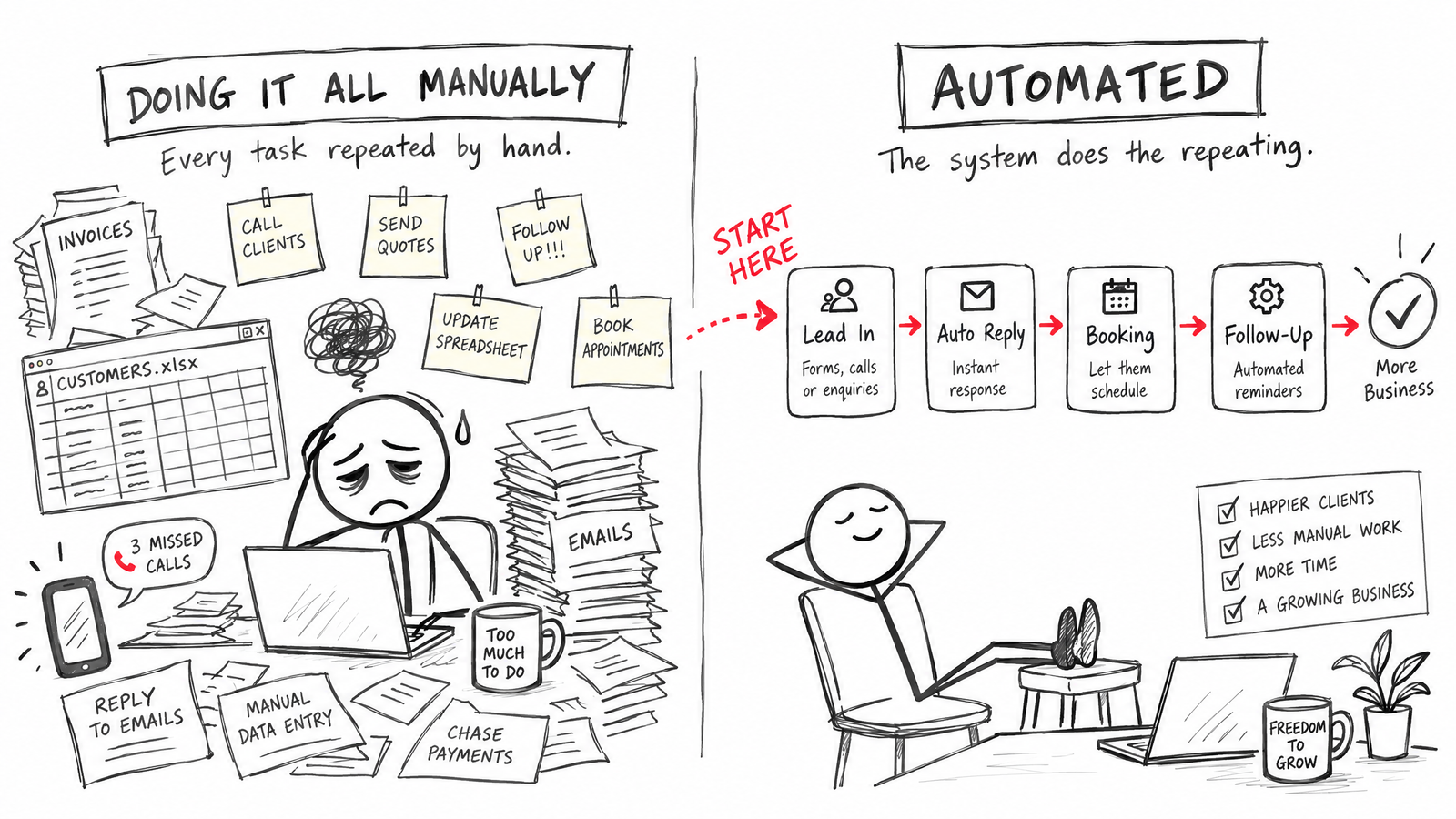
    At its simplest, it’s getting a repetitive task done automatically instead of manually — a new enquiry triggering an instant reply, a booking triggering a reminder, a completed job triggering a review request.

    What it isn’t

    It isn’t necessarily a chatbot, and it isn’t necessarily complicated. Some of the most useful automations are a handful of tools connected together doing one specific job reliably.

    2. How to spot the tasks worth automating first

    The questions worth asking

    1. What task do I do, or forget to do, the same way every single time?
    2. What happens when I’m too busy to get to it — does it just not happen?
    3. Would a customer notice if this were handled instantly instead of hours or days later?

    Common first candidates

    • Replying to new enquiries out of hours
    • Chasing unconfirmed bookings
    • Sending review requests after a completed job
    • Sorting incoming leads by urgency

    3. The difference between automation and just buying more software

    Buying a new tool doesn’t automate anything by itself — it just gives you another thing to log into. Automation happens when tools are connected so information moves between them without you manually copying it across.

    A useful test

    | Just software | Actual automation |
    |—|—|
    | A form that emails you a submission | A form that emails the customer, texts you, and adds them to your booking system automatically |
    | A review request template you copy and paste | A review request sent automatically the day a job is marked complete |

    4. What changes as your business grows

    A one-person operation and a ten-person team need different things automated — the sole trader’s bottleneck is usually their own time; a growing team’s bottleneck is often information not reaching the right person.

    Be honest about what you actually need now

    It’s tempting to build for the business you’ll have in three years. Automating for your current bottleneck, and adding more as the business genuinely grows, avoids paying for complexity you don’t need yet.

    5. How to measure whether it’s actually saving time

    Simple things to track

    1. How long enquiries sit before getting a reply, before and after
    2. How many bookings are missed or no-showed, before and after
    3. How many hours a week you personally spend on the task that got automated

    Pro Tip: If you can’t name a specific task the automation replaced, it’s worth questioning whether it’s solving a real problem or just adding complexity.

    Frequently Asked Questions

    Is this the same as artificial intelligence?

    Sometimes it involves AI — for sorting or replying to enquiries, for instance — but plenty of useful automation is simple rule-based logic with no AI involved at all.

    How much does business process automation cost?

    It’s scoped and quoted individually, based on the workflow, integrations and support required — there’s no fixed package, because every business’s processes are different.

    Do I need new software to start automating?

    Often you can connect tools you already use rather than replacing them — the automation is usually in how they talk to each other, not in buying something new.

    What’s the risk if an automation gets something wrong?

    Worth asking before building anything — automations for customer-facing tasks should have a clear fallback if something doesn’t go as expected.

    Where should I start if I don’t know what to automate?

    Start with whatever task you personally find most tedious or most often put off — that’s usually the clearest signal of where time is being lost.

    Conclusion

    Business process automation for a small business isn’t about replacing yourself with a robot — it’s about getting the repetitive, time-consuming admin handled automatically, so your actual working hours go on the parts of the job that need you.

    If something in your week keeps eating time it shouldn’t, see our AI business automation service or get in touch to talk through what’s worth automating first.


    Written by MTU Projects.

  • What “AI automation” actually means for a small trades business

    What “AI automation” actually means for a small trades business

    Introduction

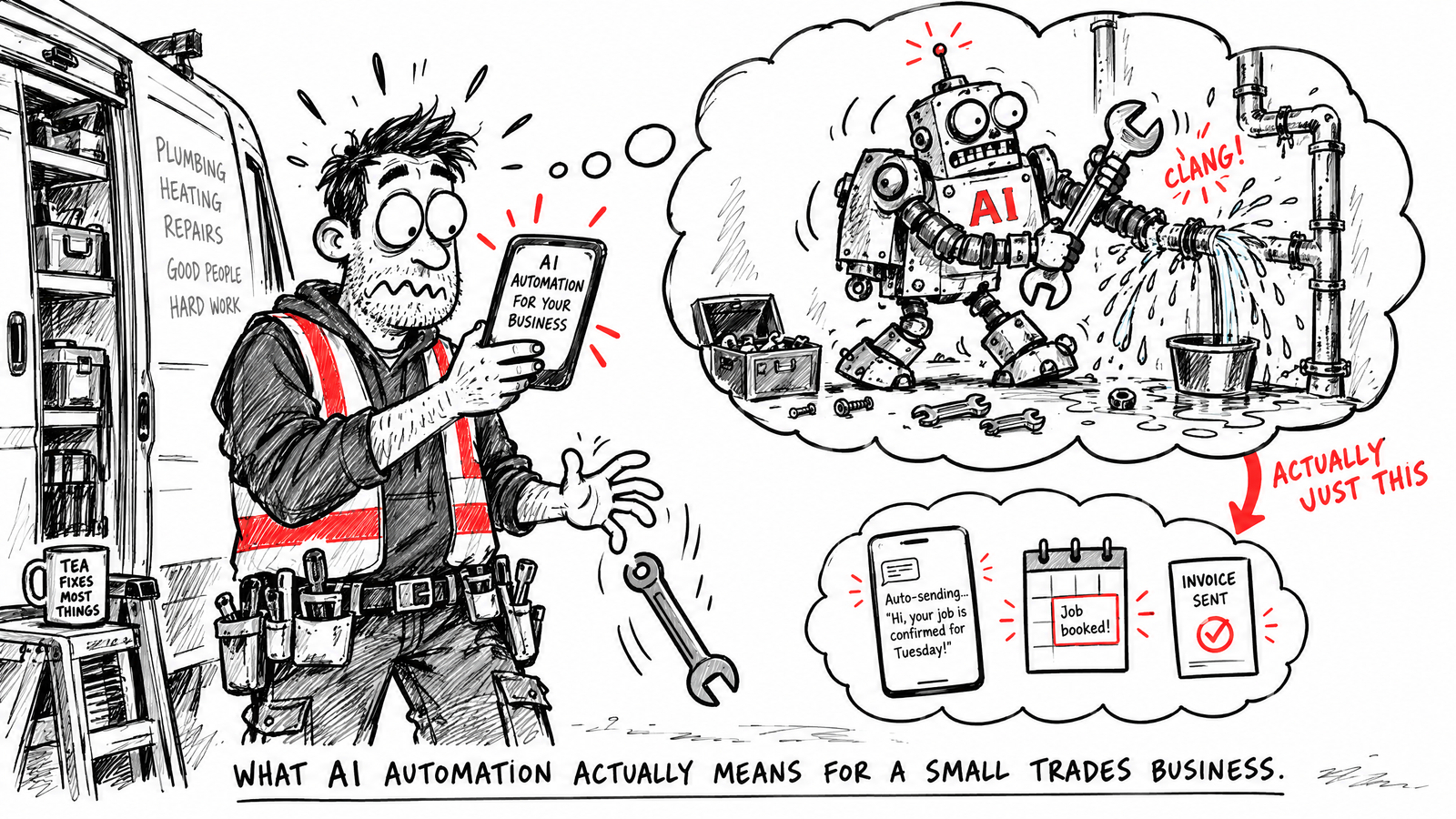
    “AI automation” gets thrown around a lot, usually attached to a chatbot widget that annoys more visitors than it helps. If you run a small trades business, the useful version of AI automation looks a lot more boring — and a lot more valuable.

    Key Takeaway: The automation worth having runs quietly in the background, saving you real hours a week, rather than sitting on your homepage trying to impress visitors.

    In this article, you’ll learn:

    • What business automation actually looks like day to day
    • Why it doesn’t need a chatbot on your homepage
    • The one test worth applying before automating anything
    • What changes depending on the size of your business
    • How to measure whether it’s actually working

    1. What business automation actually looks like

    For a small trades business, useful automation is a handful of systems wired together properly, not a single flashy feature.

    Enquiry handling

    Auto-replying to enquiries within minutes, even outside office hours, so you’re not the slowest quote in the inbox. A fast, useful acknowledgment — even before you can give a full quote — keeps you in the running.

    Lead sorting

    Sorting incoming leads by urgency and job type, so you spend your morning on the ones worth calling first instead of working through the inbox in whatever order it arrived.

    2. Bookings and reviews, handled automatically

    Two of the most time-consuming admin tasks in a trades business are also the easiest to automate properly.

    Chasing no-shows

    Chasing no-shows and unconfirmed bookings automatically, instead of you remembering to do it between jobs. A missed follow-up here is a missed booking, and it’s the first thing to slip when you’re busy.

    Review requests

    Turning a completed job into a review request the same day, while the work is still fresh in the customer’s mind — rather than remembering weeks later, by which point the moment has passed.

    3. Why it doesn’t need a chatbot on your homepage

    None of the above needs a flashy AI chatbot greeting visitors. It needs a handful of systems wired together properly, running quietly behind the scenes.

    Where chatbots do and don’t help

    | Works well | Doesn’t work well |
    |—|—|
    | Answering simple, repeated questions (opening hours, service areas) | Pretending to be a real conversation with a person |
    | Capturing a lead’s details out of hours | Replacing a genuine quote conversation |

    4. The test we use before recommending anything

    Does it save real time, or is it automation for its own sake? If the answer is time, it’s worth doing. If it’s just for show, it isn’t.

    Questions worth asking first

    1. How many hours a week does this task actually take?
    2. Would a customer notice or care if it were automated?
    3. What happens if the automation gets something wrong — is that recoverable?

    5. Measuring whether it’s working

    What to actually track

    1. Response time to new enquiries, before and after
    2. No-show rate on bookings, before and after
    3. Number of reviews collected per month

    Pro Tip: Track these for four weeks before changing anything else, so you know the automation itself moved the number — not a busy month or a seasonal bump.

    Frequently Asked Questions

    Do I need to be technical to use this kind of automation?

    No. The systems are built to run in the background — you get plain-English updates on what changed, not a dashboard to manage yourself.

    Will this replace speaking to customers directly?

    No. It handles the repetitive admin around a job — the acknowledgment, the reminder, the review request — so you have more time for the parts that actually need you.

    Is this the same as installing a chatbot plugin?

    No. A chatbot is one small, optional piece. The valuable work is usually the enquiry sorting, booking follow-ups and review requests, none of which need a chat widget at all.

    How much does this cost?

    It’s scoped and quoted individually, based on the workflow, integrations and support required — there’s no fixed package, because every business’s processes are different.

    What if I only have one or two repetitive tasks to automate?

    That’s a perfectly reasonable starting point — automation doesn’t need to cover everything at once to be worth doing.

    Conclusion

    “AI automation” doesn’t have to mean a chatbot on your homepage. For most small trades businesses, it means enquiries answered fast, bookings chased automatically, and reviews requested while the job is still fresh — systems that quietly save you real hours a week.

    If something in your week keeps eating time it shouldn’t, see our AI business automation service or get in touch to talk through what’s worth automating first.


    Written by MTU Projects.