Category: Strategy

  • Should I put prices on my trade website?

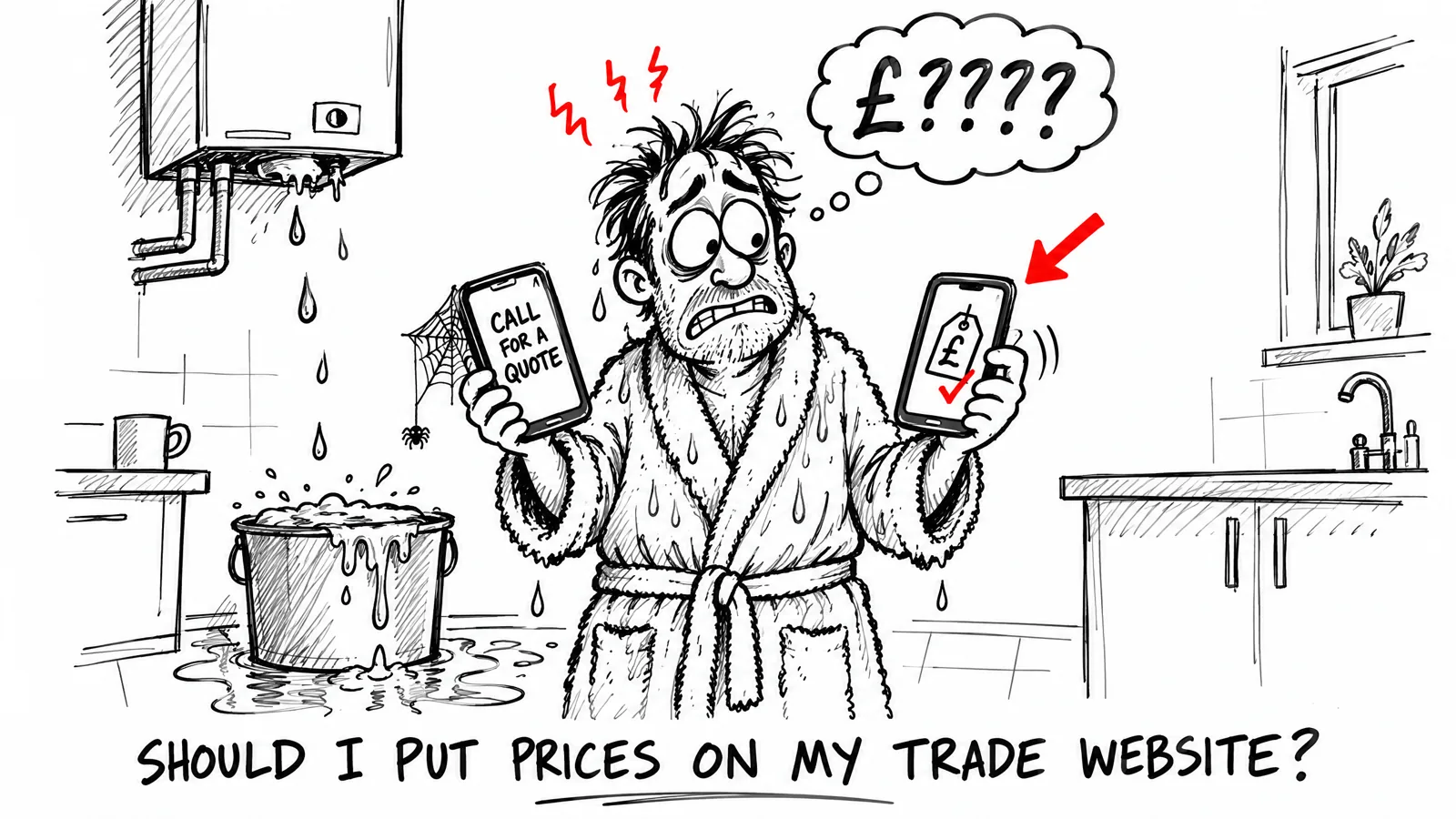
    Should I put prices on my trade website?

    Contents

    1. What a customer does before they ring you
    2. “Every job’s different” (and other reasons people don’t)
    3. What to put on the page
    4. The calls you stop getting
    5. Keeping your prices honest

    Introduction

    Someone with a dripping boiler finds three plumbers on Google. Two have websites that say “call for a quote”. The third has a page that says what a boiler service costs. I know which one I’d ring first, and I think most people are the same.

    The short answer: yes, for most trades. Put fixed prices on the jobs that really are fixed, “from” prices or a range on the rest, and say what changes the price. You don’t have to publish a price list for every job to get the benefit.

    In this article, you’ll learn:

    • why a customer looking at your website is usually comparing you with someone else
    • the common reasons trades leave prices off, and what to do about each one
    • which prices to show and how to word them
    • which enquiries stop coming in once your prices are on the page (and why that’s fine)
    • how to keep your prices up to date without it becoming a job in itself

    1. What a customer does before they ring you

    Most people who land on your website have already searched for your trade and your town, and they’ve got a few tabs open. They’re not reading every word. They’re checking three things: do you do the job, do you cover their area, and roughly what will it cost.

    The first two are on almost every trade website. The third usually isn’t, and that’s the gap. If your site says nothing about price, the customer has two choices: ring you and ask, or go back to the tab that already told them. A lot of people would rather not ring three firms just to hear a number.

    2. “Every job’s different” (and other reasons people don’t)

    These are the usual reasons trades give, and none of them mean you can’t show a price.

    What people say What to do
    Every job’s different Show a “from” price or a range
    Competitors will undercut me They can ring you and ask anyway
    My prices change Put a “last updated” date on the page
    I’ll scare people off Say what’s included

    “Every job’s different” is true for a full bathroom refit. It isn’t true for a boiler service or a gas safety certificate, and most trades have a few jobs like that. Start with those.

    On undercutting: a competitor who wants to know your prices can already find out with one phone call. Leaving them off your site stops customers seeing them, not competitors.

    3. What to put on the page

    Split your jobs into three groups.

    • Fixed jobs, where the price barely changes. A boiler service, a landlord gas safety certificate, an EICR on a standard house. Show the price.
    • Time-based jobs, like repairs and call-outs. Show the call-out charge and the hourly rate after that.
    • Big or variable jobs, like a boiler swap or a rewire. Show a range, then list what pushes it up or down: moving the boiler, the size of the house, access, the parts the customer picks.

    Under every price, say whether it includes VAT, what’s included and what isn’t. That one line stops most of the arguments later.

    When I built Daniel’s website (he’s a Gas Safe engineer in Leeds), each of his four service pages got its own prices, along with FAQs about the job. You can see how the site was put together in the Content Plumbing and Heating case study.

    Pro tip: put the price near the top of the service page, not at the bottom of a long block of text. If someone has to scroll past five paragraphs to find it, plenty of them won’t.

    4. The calls you stop getting

    Once your prices are on the page, some enquiries stop. These are usually the people who wanted the cheapest price going and were never going to book you anyway. That’s fewer wasted quote visits, which is time you can spend on paid work.

    The people who do ring have already seen a number and they’re still interested. The conversation starts from “when can you come?” more often than “how much?”.

    If you’re worried about losing work, try it on one or two fixed-price jobs first. Keep a note of the enquiries for a couple of months before and after, and see what changes. (A simple enquiry log is enough; I wrote about tracking where enquiries come from if you want a way to do it.)

    5. Keeping your prices honest

    A price on your website has to be one you’ll actually charge. If a customer sees £90 online and gets a bill for £130 with no explanation, you’ve lost more than you would have by leaving the price off.

    • Check your prices every time your costs go up, and at least once a year.
    • Add a “prices last checked” date, so customers know they’re current.
    • Use “from” only when the job can really be done for that price. A “from” price nobody ever pays does more harm than good.
    • Keep the same prices everywhere: your website, your Google Business Profile and anything you send out.

    Frequently asked questions

    Will showing prices make me look expensive?

    Only if the customer can’t see what they’re paying for. A price with a short list of what’s included looks fair. A bare number with nothing around it is easier to compare on price alone.

    Should I show prices with or without VAT?

    Most of your customers will be households, so show the price they’ll actually pay and say clearly whether VAT is included. If you’re not VAT registered, say that too.

    What if a job turns out to cost more than the price on my site?

    Explain why before you start the extra work, and get the customer’s OK. That’s why the “what changes the price” line under each price is worth having.

    Do I need a separate prices page?

    Not always. For most trades it works better to put each price on the page for that service, so someone looking for a boiler service sees the boiler service price straight away.

    Can I add prices to my website myself?

    On most website builders, yes. It’s a line of text on each service page. The harder part is deciding the wording, and the three groups in section 3 are a good place to start.

    Conclusion

    You don’t need a full price list to get the benefit. Fixed prices on the fixed jobs, “from” prices and ranges on the rest, and a line saying what changes the price will answer the question most of your visitors came with. Start with two or three jobs and keep the prices current.

    If your website doesn’t show prices yet, or you’d like a site built around the jobs you actually do, have a look at how I build websites for trades.


    Written by MTU Projects.

  • What happens after I say yes to a website?

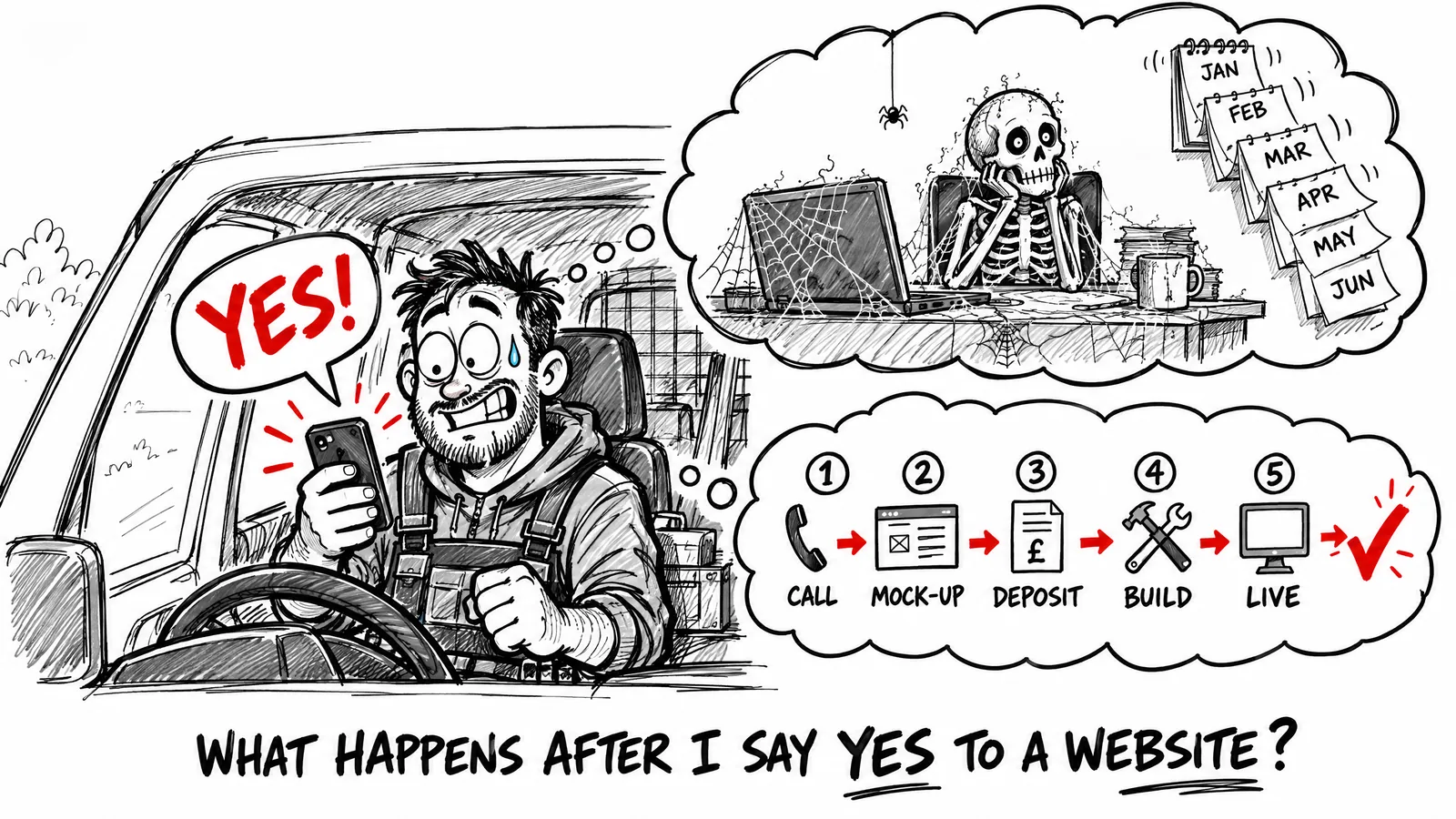
    What happens after I say yes to a website?

    Contents

    1. The first call, at a time that suits you
    2. Seeing your site before you pay a deposit
    3. The deposit and the content list
    4. The build and your review
    5. Launch day and after

    Introduction

    A common worry about getting a website built is the designer who takes the deposit and goes quiet, or the job that drags on for months. So here’s what happens with us, step by step, from the first call to the day it goes live.

    The short answer: we talk at a time that suits you, show you a clickable design before you pay anything, and start building once the deposit and your content are in. Most of the time a build takes is waiting for content, so the quicker you send it, the quicker you’re live.

    In this article, you’ll learn:

    • how the first conversation works if you’re on site all day
    • what you see before you pay a deposit
    • what we need from you before we start
    • how the build and review work
    • what happens after launch

    1. The first call, at a time that suits you

    Most trades we work with can’t take a call in working hours, and that’s fine.

    At the first call we book a fixed evening slot, the same evening each week, and put it in both our calendars. We agree on WhatsApp as the main way to talk. Voice notes and photos are fine.

    That first call is where we find out about your business: what you do, where you cover, who your customers are, and who you’re up against. We write your answers down word for word, because that’s where your website copy comes from.

    2. Seeing your site before you pay a deposit

    This is the part people don’t expect. Before we ask for any money, we build a mock-up of your site: a real page you can click through on your phone, with your services and your wording on it.

    You tell us what’s right and what isn’t. Changing it at this stage is quick. Changing it after the full build takes much longer, so we’d rather get it right here.

    Once you’re happy with the design and the wording, we send the proposal with the package and the price. A one-page website is £400. A small business website of up to five pages starts at £700. Full prices and what’s included are on the website design page.

    3. The deposit and the content list

    The deposit is 50% of the price, and the balance is due before launch. On the day you say yes, we send one list of what we need from you, split into two parts.

    Before we can start:

    • your logo, in the best quality you have
    • the services you offer, and any prices you’re happy to show
    • your opening hours and the areas you cover
    • your registration numbers and accreditations
    • who holds your domain name and any existing logins

    Before we can launch:

    • 10 to 15 photos of your own work, and one of you
    • a few lines about your business, in your own words
    • access to your Google Business Profile
    • links to your social media pages

    The build starts when the deposit is paid and the first list is in. That’s the rule, and we put it in writing so nobody’s left wondering.

    Pro tip: send your photos on WhatsApp as documents, not as pictures. WhatsApp shrinks pictures to save data, and they come out blurry on a website.

    4. The build and your review

    Once the first list is in, we build the site. The proposal says how long the first draft will take from that point, and how long you have to reply with changes.

    You get a link to look at it on your own phone. Tell us what to change, and we’ll make the changes. A one-page website includes one round of changes. Bigger sites have the number of rounds set in the proposal, so you know where you stand before we start.

    If something goes quiet on either side, we chase on a set schedule rather than leaving it to drift. If content still hasn’t arrived after two weeks, we tell you the options. We can launch a smaller version with what we have and add the rest later, or pause the project until you’re ready.

    5. Launch day and after

    When you’re happy and the balance is paid, the site goes live. We connect your domain and check that Google Analytics and Google Search Console are working.

    After that, it’s your choice. You can take the site and run it yourself. Or you can go on a care plan: Website Care is £29 a month for updates, security checks, uptime monitoring and a monthly performance check. Care Plus is £49 a month and adds basic SEO monitoring and one small content update each month.

    If you’re weighing that up, we wrote about what happens if you stop paying a monthly website plan.

    Frequently asked questions

    How long does a website take?

    It depends mostly on how quickly the content arrives. We don’t start the clock until the deposit and the “before we can start” list are in, and the proposal tells you how long the first draft takes from there.

    Do I have to write the website copy myself?

    No. We write it from what you tell us at the first call. You check it and correct anything that isn’t right.

    Can I see the design before I pay?

    Yes. You see a clickable mock-up and approve it before we ask for a deposit.

    What if I don’t have good photos?

    Send what you have and we’ll tell you what works. Photos of your own jobs do better than stock photos, even if they’re taken on your phone.

    Do I have to have a care plan?

    No. A care plan is optional. Without one, the site is yours to look after once it’s live.

    Conclusion

    A website build with us has five stages: an evening call, a design you can click through before paying, a deposit and one content list, the build and your review, and launch. The part that decides how fast it goes is the content, and most of that is already on your phone.

    If you’re ready to start, or want to ask how it would work for your business, have a look at our website design service or get in touch.


    Written by MTU Projects.

  • Where Do Your Enquiries Actually Come From? How to Track Leads Without a Dashboard

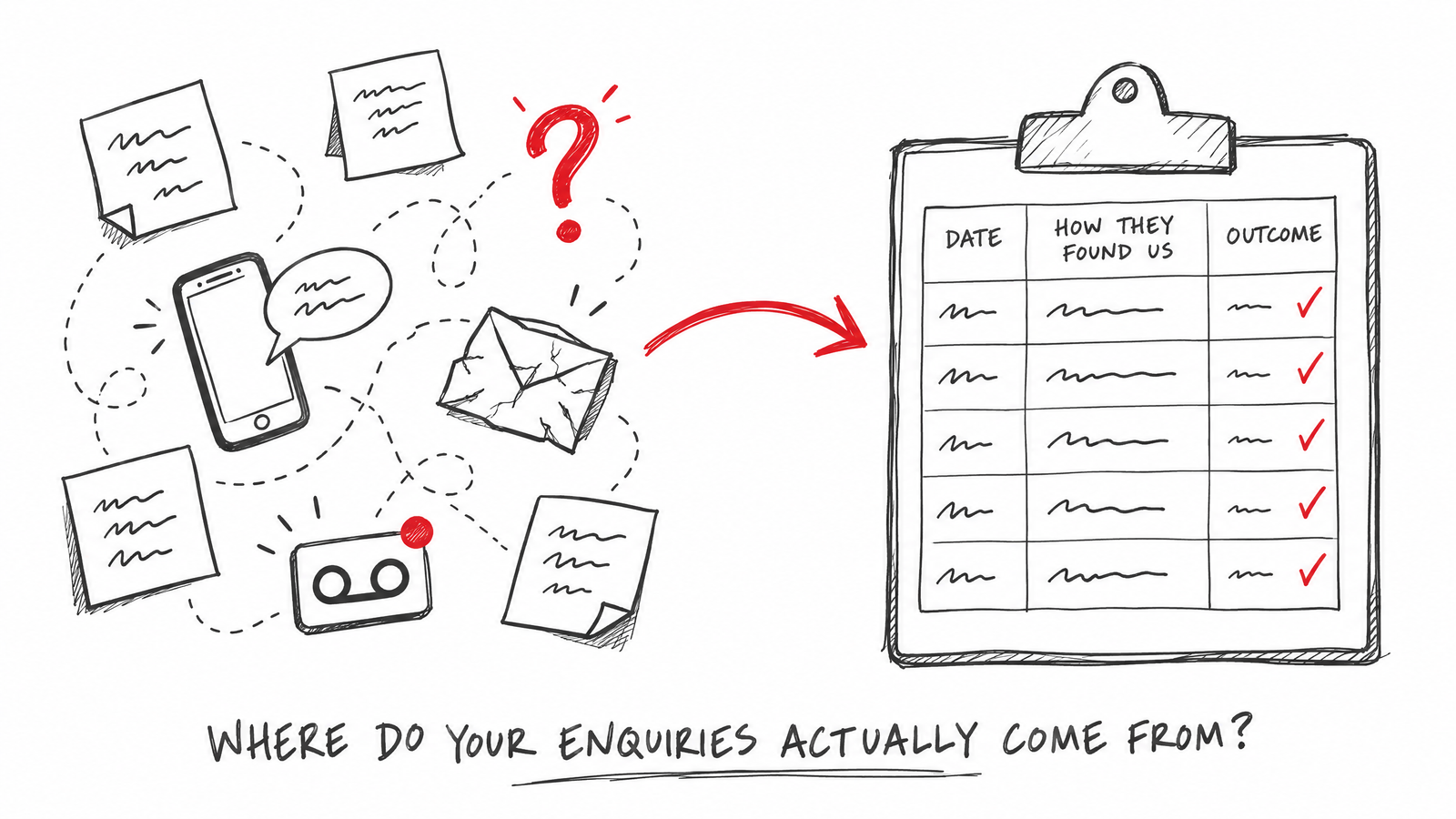
    Where Do Your Enquiries Actually Come From? How to Track Leads Without a Dashboard

    Introduction

    Ask most small business owners where their work comes from and you’ll hear “mostly word of mouth”. It might be true. But a lot of the time nobody has checked, and the business is spending time and money on the strength of a feeling. You don’t need analytics software to find out. You need one question and one list.

    Key Takeaway: Ask every new enquiry how they heard about you, and write the answer in the same place every time. After a month you’ll have real evidence about what’s working, and it costs nothing.

    In this article, you’ll learn:

    • Why “word of mouth” is often a guess
    • The one question that gives you the answer
    • A simple enquiry log you can start today
    • How to ask the question on the phone, in messages and on your website
    • What to look at after a month and what to do with it

    1. Why “Word of Mouth” Is Usually a Guess

    Word of mouth is a catch-all. A customer who says “my neighbour recommended you” may also have looked you up on Google before ringing. Someone who “saw your van” may have found your website afterwards and used the contact form. Without a record, every enquiry gets filed under whichever route you remember first.

    The cost shows up when you decide where to put your effort. If you assume it’s all recommendations, you might neglect your Google Business Profile. If you assume Google sends everything, you might skip the follow-up that keeps past customers recommending you. You can’t tell which is true from memory.

    2. The One Question to Ask Every New Enquiry

    “How did you hear about us?”

    That’s it. Ask it early, in a friendly, curious tone, not as part of a form-filling routine. Something like:

    “Just so I know where to put my effort, how did you find us?”

    Then listen for the real answer. A few things help:

    • Offer a short list if they’re stuck. Google search, Google Maps, a recommendation, Facebook, the van or signage, a returning customer, or something else.
    • Follow up on “a recommendation”. Ask who recommended you. It helps you thank them, and it tells you which past customers are sending you work.
    • Note “Google” properly. Was it a search, or the map? They’re different routes with different fixes.
    • Accept “I can’t remember”. Write that down too. If a lot of people say it, that’s a clue as well.

    3. Where to Write the Answer Down

    The best place is the one you’ll actually use. A notebook in the van works. So does a spreadsheet, or a note on your phone. What matters is that it’s always in the same place and always the same columns.

    Date Name How they found us What they wanted Replied? Outcome
    6 Oct Customer A Google Maps Boiler service Same day Booked
    7 Oct Customer B Recommendation (Customer C) Bathroom quote Next day Quote sent
    9 Oct Customer D Van Radiator repair Same day Lost

    The names and jobs above are made up, to show the shape of the list.

    Add the outcome column even if it feels like extra work. “How they found us” tells you where enquiries come from. “Outcome” tells you which routes bring jobs worth having.

    4. Ask It Wherever Enquiries Arrive

    Enquiries don’t all arrive in the same way, so the question needs to travel with them.

    • On the phone: put it near the start of the call. A sticky note by the phone is enough as a reminder.
    • WhatsApp, Facebook and email: add it to your first reply. “Thanks for getting in touch. How did you hear about us?”
    • On your website: add a “How did you hear about us?” box to the contact form, ideally a short dropdown with the same options as your list. It’s quick to answer and quick to count. If your website is out of date, a website that’s built to bring in enquiries is a better place to ask than a form nobody fills in.
    • After the event: if you forgot at the time, ask when you send the quote or the invoice.

    One note on Google’s own numbers: your Google Business Profile may show how many people tapped the call or website buttons, where that report is available to you. Taps are a useful clue, but a tap isn’t an enquiry, and it can’t tell you who became a customer or why they chose you. Your own list can.

    5. What to Look At After a Month

    After four weeks, count how many enquiries came from each route and how many turned into jobs. You’re looking for three things:

    1. Which route brings the most enquiries. That’s where you’re already visible.
    2. Which route brings jobs, not just enquiries. Ten enquiries that never book are worth less than three that do.
    3. Which route is missing. If nobody ever says Google, your profile may need attention.

    Here is an example, with made-up figures, of what a small month might show:

    Route Enquiries Jobs booked
    Recommendation 6 5
    Google Maps 4 2
    Facebook 3 0
    Van 1 1

    In that example, the recommendations are doing the heavy lifting, Google Maps is bringing enquiries that need better handling, and Facebook is bringing attention but no work. Those are three different jobs, and you’d never have seen them without the list.

    Then decide one thing to do. Not five. If Google Maps brings enquiries but few jobs, check how fast you reply. If recommendations are strong, thank the people sending them. If a route never brings work, stop putting time into it.

    Frequently Asked Questions

    Do I need software to track where enquiries come from?

    No. A notebook or spreadsheet is enough to start. Software becomes worth it when you have more enquiries than you can keep track of by hand.

    What if customers don’t remember how they found me?

    Write “can’t remember” and move on. If it’s most of your customers, ask earlier in the conversation, or offer a short list of options so they only have to pick one.

    Should I track phone calls separately?

    Only if you need to. Start by asking everyone, on every channel, and recording the answer in one list. That already covers calls.

    Is it a problem to keep a list of enquirers’ names and numbers?

    You’re probably already holding that information in your phone and inbox. Keep the list somewhere private, record only what you need, and check the Information Commissioner’s Office guidance if you’re unsure how it applies to your business.

    How long before the numbers mean anything?

    A month gives you a first impression. Three months is better, because one odd week won’t skew it.

    Conclusion

    “Most of our work comes from word of mouth” might be true, and it’s worth knowing for sure. Ask every enquiry how they found you, keep the answers in one list, and look at it after a month. It’s the cheapest marketing research you’ll ever do, and it tells you where to put your time and money next.

    If you’d like help working out what your results mean, book a free Local Visibility Check: a 20-minute call and a one-page list of the most obvious problems holding your enquiries back.


    Written by MTU Projects.

  • Why we stopped recommending retainers to most clients

    Why we stopped recommending retainers to most clients

    Introduction

    Retainers are the default pitch in this industry — a fixed monthly fee, ongoing “optimisation”, a report at the end of the month. If you run a local business and you’ve been quoted a retainer for a project that’s really a one-off build, it’s worth understanding why we don’t default to that model.

    Key Takeaway: Most local businesses need a burst of proper work up front, then relatively little ongoing attention — paying a retainer for that quiet period is paying for activity, not results.

    In this article, you’ll learn:

    • Why retainers are the industry default in the first place
    • Why most local businesses don’t actually need one
    • What we do instead
    • When a retainer genuinely is the right shape
    • How to tell which situation you’re in

    1. Why retainers are the default pitch in this industry

    A fixed monthly fee is predictable for the agency, easy to sell, and doesn’t require explaining exactly what work happens each month. For an ecommerce brand running constant campaigns, that structure can genuinely make sense — there’s always something to optimise.

    Where it makes sense

    • Multi-location businesses with frequent changes
    • Businesses running constant ad campaigns
    • Active AI systems that need ongoing monitoring

    2. Why most local businesses don’t need one

    A local business usually needs a burst of proper work up front — a website that actually converts, a Google Business Profile that’s fully built out, local SEO fundamentals in place — and then relatively little ongoing attention until something changes: a new service, a new location, a redesign.

    What “paying for activity” looks like

    | Paying for results | Paying for activity |
    |—|—|
    | A defined project, delivered, handed over | A monthly report listing tasks completed |
    | You know exactly what you’re getting | “Ongoing optimisation” with no fixed end point |

    3. What we do instead

    Our default is to do the project properly, hand it over once it’s paid for, and let you come back on a pay-as-you-go basis whenever something actually needs doing.

    Why this works better for most clients

    1. You’re not paying for a quiet month where nothing changed
    2. You own the finished work outright, with no dependency on staying subscribed
    3. Coming back for a specific piece of work is straightforward when something genuinely needs it

    4. When a retainer is still the right call

    This isn’t a blanket rejection of retainers — it’s a rejection of defaulting to one when the underlying need doesn’t call for it.

    Genuine retainer situations

    • Multi-location businesses where something is always changing
    • Frequent campaigns needing regular new landing pages or creative
    • Active AI systems that need monitoring and adjustment as they run

    5. How to tell which situation you’re in

    Ask yourself

    1. Is something in my business genuinely changing every month, or is it stable once it’s set up right?
    2. Am I being quoted a retainer for a task with a clear end point — a website, an audit, a setup?
    3. Would I rather pay for a finished result, or a fixed monthly fee regardless of what happens?

    Pro Tip: If you can’t describe what specific work happens in a “quiet” month on a retainer, that’s usually the sign it should have been a one-off project instead.

    Frequently Asked Questions

    Does this mean MTU Projects never offers ongoing support?

    No — monthly support and care plans exist for clients who want them, and they’re a genuine fit for multi-location businesses or active AI systems. The point is not defaulting to one for everyone.

    What happens if I need something changed after the project’s handed over?

    You come back on a pay-as-you-go basis — no ongoing contract required to get something updated or fixed.

    Is a one-off project more expensive than a retainer overall?

    It depends on how much ongoing work you actually need. For most local businesses, paying once for a proper build costs less over a year than a retainer for the same underlying work.

    How do I know if my business needs ongoing management?

    If something in your setup changes every month — new locations, constant campaigns, active automations — ongoing management genuinely earns its keep. If not, a project probably covers it.

    Can I switch from a one-off project to ongoing support later?

    Yes — there’s no lock-in either way. Start with the project, add monthly support later if your situation changes.

    Conclusion

    Retainers make sense for businesses with constant, ongoing change — multi-location operations, frequent campaigns, active automations. For most local businesses, the honest answer is a properly done project, handed over once it’s paid for, with pay-as-you-go support whenever something genuinely needs doing.

    If you’re not sure which shape fits your business, get in touch and we’ll tell you plainly — not steer you toward whichever one we’d rather sell.


    Written by MTU Projects.